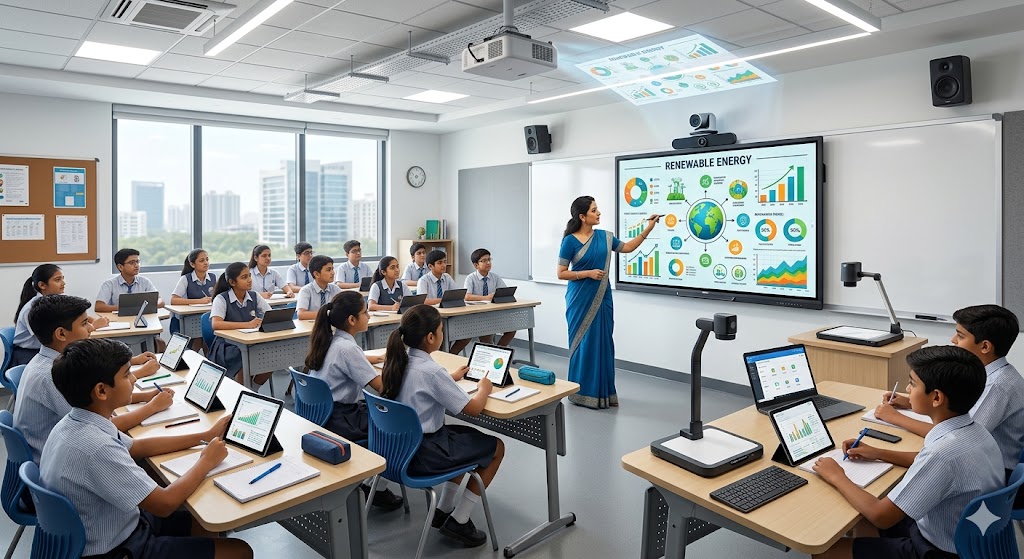
Technology has transformed the way teachers teach and students learn. Traditional blackboards and basic projectors are increasingly being replaced by interactive panels for smart classrooms, offering a more engaging, collaborative, and visually rich learning experience.
Interactive panels combine a large digital display with touch technology, multimedia capabilities, internet connectivity, and classroom-friendly software. They allow teachers and students to interact directly with educational content, making lessons more dynamic and easier to understand.
What Is an Interactive Panel?
An interactive panel is a large touchscreen display designed for education, training, presentations, and collaborative learning. Unlike a conventional display, it allows users to write, draw, annotate, move objects, open applications, play videos, and interact with digital content directly on the screen.
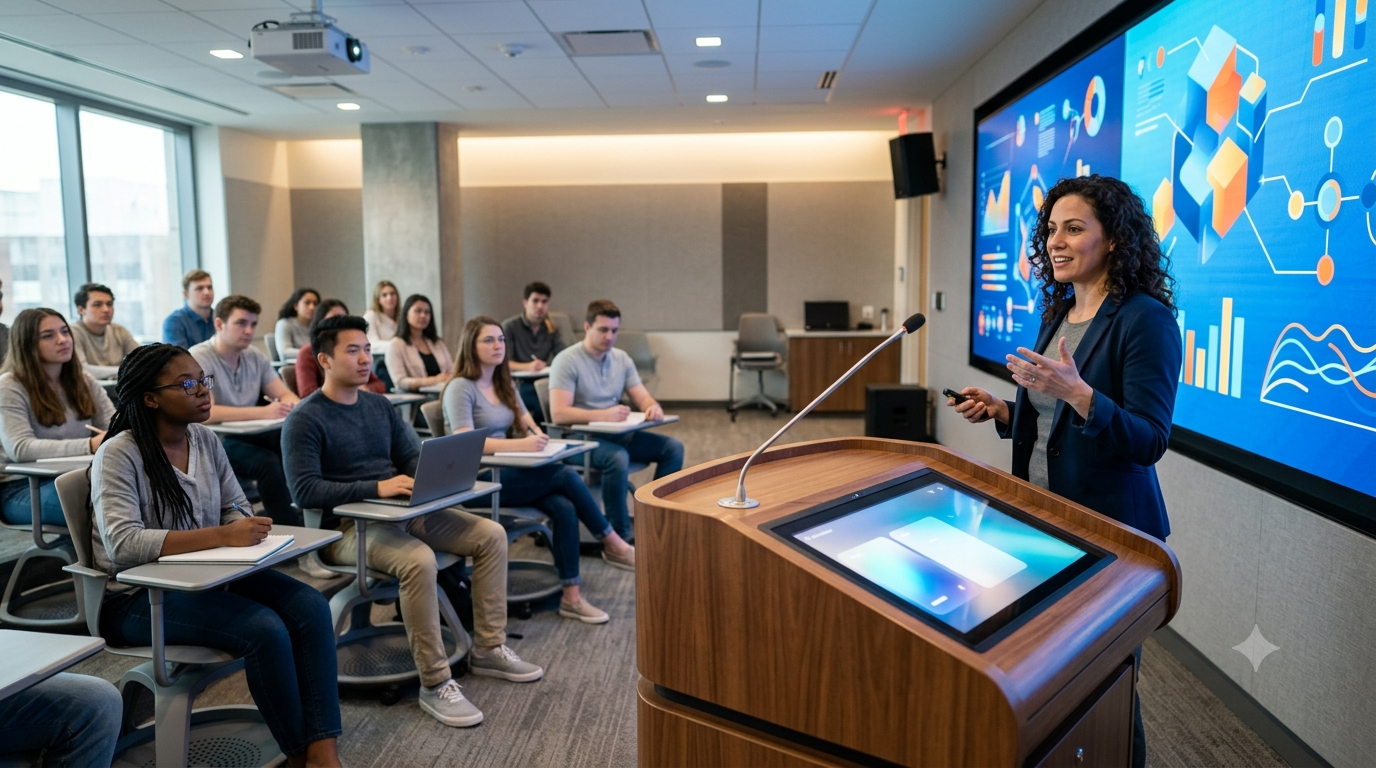
Modern interactive panels are commonly available in different sizes, making them suitable for classrooms ranging from small teaching rooms to large lecture halls.
Key Features of Interactive Panels for Smart Classrooms
When selecting an interactive panel, it is important to understand the features that can improve classroom teaching.
1. Large Touchscreen Display
Interactive panels provide a large, high-resolution screen that makes text, diagrams, videos, presentations, and educational graphics clearly visible to students.
Depending on classroom size, schools can choose from different screen sizes to achieve comfortable viewing from the back of the classroom.
2. Multi-Touch Technology
Multi-touch functionality allows multiple users to interact with the screen simultaneously. Teachers can write while students participate in activities, solve problems, or manipulate objects on the display.
This makes collaborative learning much easier.
3. High-Resolution Display
A high-resolution display delivers sharper images and clearer educational content. This is particularly useful for subjects that depend heavily on visuals, such as:
- Science
- Mathematics
- Geography
- Biology
- Computer studies
- Engineering
- Medical education
4. Digital Annotation
Teachers can write directly over presentations, diagrams, websites, images, and videos. Important points can be highlighted, explained, saved, and shared with students.
This eliminates the need to switch constantly between different teaching tools.
5. Wireless Screen Sharing
Many modern interactive panels support wireless screen sharing. Teachers can display content from laptops, tablets, and smartphones on the panel.
This can make classroom presentations more convenient and reduce cable clutter.
6. Built-In Connectivity
Interactive panels generally include multiple connectivity options such as HDMI, USB, audio, and network connectivity.
These connections allow teachers to integrate computers, document cameras, external speakers, and other classroom equipment.
7. Android and Smart Operating Systems
Many interactive panels come with built-in smart operating systems, allowing teachers to access applications and online resources directly from the panel.
This can reduce dependence on an external computer for everyday classroom activities.
8. Multimedia Learning
Teachers can use videos, animations, interactive diagrams, presentations, images, and online resources to explain difficult concepts.
Visual and interactive learning can make lessons more interesting and easier for students to follow.
Benefits of Interactive Panels in Smart Classrooms
Interactive panels offer several advantages for both teachers and students.
More Engaging Learning
Instead of simply listening to a lecture, students can participate directly in lessons. Teachers can create interactive activities that encourage students to respond, solve problems, and collaborate.
Better Visual Understanding
Complex concepts can often be explained more effectively using animations, diagrams, videos, and interactive demonstrations.
For example, a science teacher can demonstrate a scientific process visually instead of relying only on textbook illustrations.
Improved Collaboration
Interactive panels allow several students to participate in classroom activities. Group exercises, presentations, brainstorming sessions, and problem-solving activities become easier to conduct.
Easy Access to Digital Resources
Teachers can access online educational resources, digital textbooks, presentations, videos, and other learning materials from a single classroom display.
Reduced Dependence on Traditional Teaching Tools
An interactive panel can combine several classroom functions into one device. Teachers can use it as a digital whiteboard, presentation display, multimedia screen, and interactive teaching platform.
Easy Lesson Sharing
Depending on the panel’s software and connected ecosystem, teachers may be able to save annotations and lesson content for later use. This can make revision and lesson preparation more efficient.
How to Choose the Right Interactive Panel
Buying an interactive panel requires more than simply choosing the largest screen. Consider the following factors before making a purchase.
Screen Size
Choose the screen size according to classroom dimensions and the number of students.
A smaller classroom may work well with a medium-sized panel, while larger classrooms may require a bigger display for comfortable viewing.
Display Quality
Look for a panel with a clear, bright, high-resolution display. Good viewing angles are also important because students may be sitting at different positions across the classroom.
Touch Response
A responsive touchscreen is essential for smooth writing and interaction. Look for accurate touch recognition and support for multiple simultaneous touch points.
Operating System
Consider whether you need a built-in smart operating system, compatibility with Windows devices, or support for other classroom platforms and applications.
Connectivity Options
Check the available HDMI, USB, audio, network, and wireless connectivity options to ensure compatibility with your existing classroom equipment.
Audio Quality
Built-in speakers can be useful for videos, presentations, and online classes. For larger classrooms, however, an external audio system may provide better sound coverage.
Software Compatibility
The panel should work well with the teaching applications and educational platforms used by your institution.
Installation and Support
After-sales service is an important consideration when purchasing classroom technology. Choose a supplier that can provide installation assistance, technical support, maintenance, and training when required.
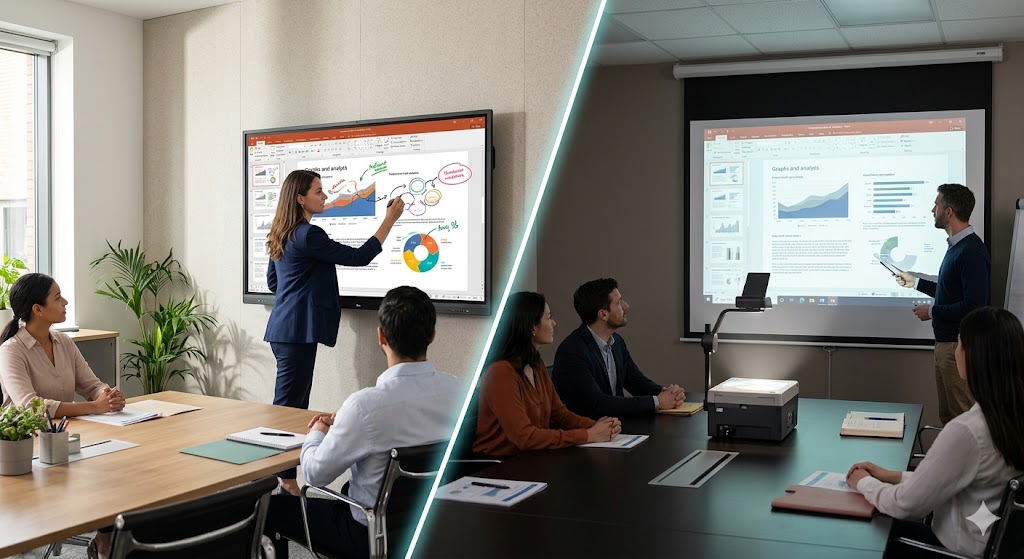
Interactive Panel vs Traditional Projector
Traditional projectors remain useful in many educational environments, but interactive panels offer a more integrated experience.
With a projector setup, teachers may need a projector, projection screen, computer, cables, and other accessories. An interactive panel can combine many of these functions into one solution.
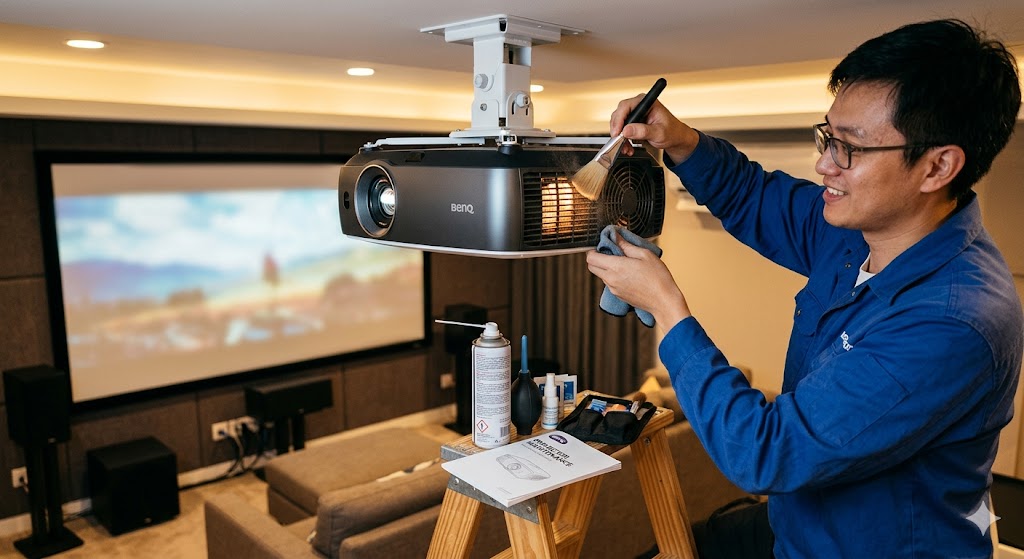
Interactive panels also eliminate common projector-related concerns such as lamp replacement, projection shadows, and frequent image alignment.
However, the best choice depends on the classroom environment, budget, existing infrastructure, and teaching requirements.
Why Interactive Panels Are Becoming Essential for Smart Classrooms
Smart classrooms are designed to make education more interactive, connected, and technology-driven. Interactive panels fit naturally into this environment because they provide teachers with a central platform for presenting and interacting with digital learning content.
They can also support hybrid learning, multimedia lessons, collaborative activities, and digital presentations.
As educational institutions continue adopting digital teaching methods, interactive panels are becoming an important part of modern classroom infrastructure.
Final Thoughts
An interactive panel for a smart classroom can transform a traditional teaching environment into a more engaging and collaborative learning space. From touchscreen interaction and digital annotation to multimedia presentations and wireless connectivity, these displays offer a wide range of possibilities for modern education.