Complete Smart Classroom Setup Guide for Schools, Colleges & Training Institutes
Technology has transformed the way students learn, teachers interact with their classes, and educational institutions deliver knowledge. A smart classroom combines modern digital tools, audio-visual equipment, interactive technology, and reliable connectivity to create a more engaging and effective learning environment.
Whether you are planning a smart classroom for a school, college, coaching centre, or professional training institute, choosing the right equipment and designing the classroom properly are essential for achieving the best results.
In this complete guide, we will explain the important components, benefits, planning considerations, and implementation steps involved in creating a modern smart classroom.
What Is a Smart Classroom?
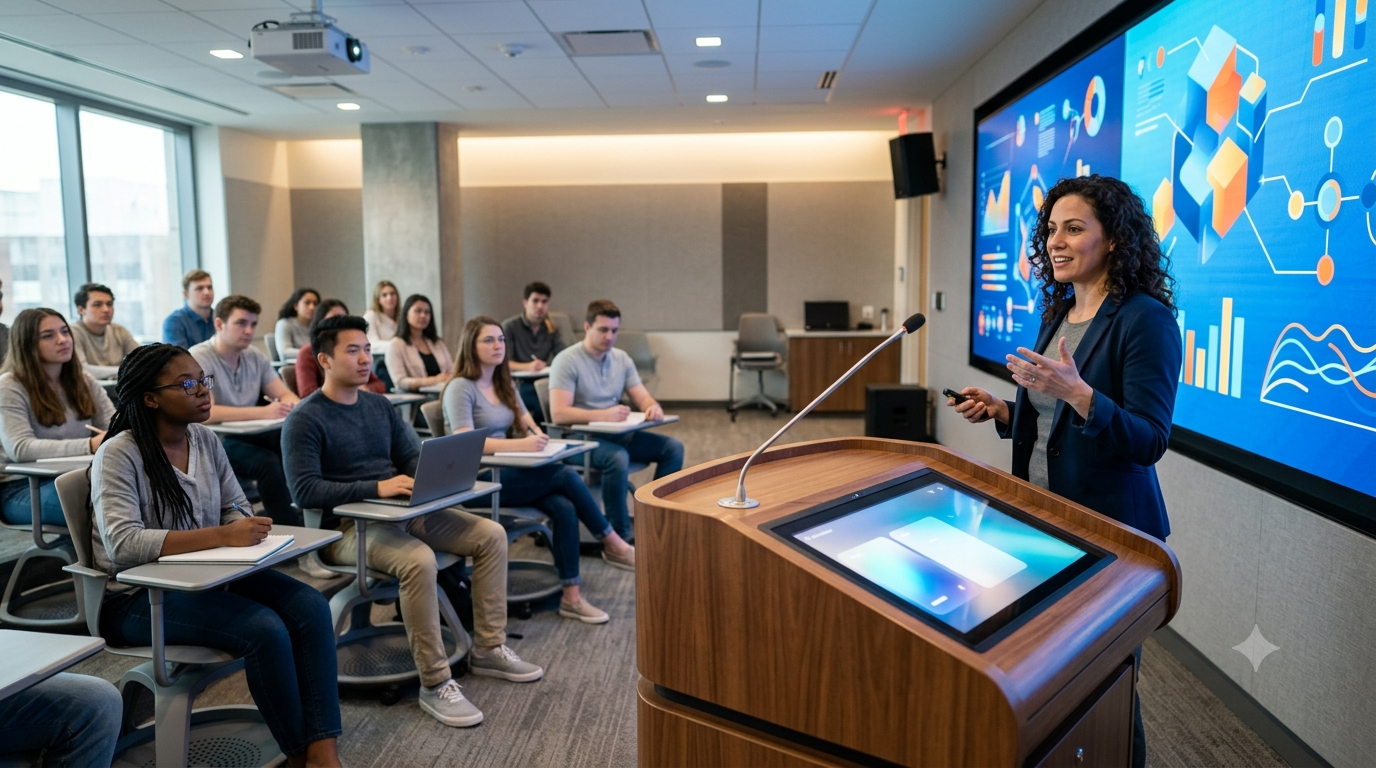
A smart classroom is a technology-enabled learning space designed to make teaching more interactive and collaborative. Instead of relying only on traditional blackboards and textbooks, teachers can use interactive displays, projectors, digital content, audio systems, cameras, and other technologies to deliver lessons.
A well-designed smart classroom can support:
The exact setup depends on the classroom size, number of students, teaching requirements, and available budget.
Why Should Educational Institutions Invest in Smart Classrooms?
Smart classrooms can improve the overall teaching and learning experience when technology is selected and implemented correctly.
1. More Engaging Learning
Visual presentations, animations, videos, diagrams, and interactive content can make complex subjects easier to understand and more interesting for students.
2. Interactive Teaching
Interactive displays and digital whiteboards allow teachers to write, draw, annotate documents, display presentations, and interact with educational content directly on the screen.
3. Better Visual Communication
Large displays or projectors allow students sitting at the back of the classroom to clearly view presentations, charts, videos, and other educational material.
4. Supports Hybrid Learning
With cameras, microphones, speakers, and video-conferencing technology, institutions can conduct classes for both physical and remote students.
5. Easy Access to Digital Content
Teachers can access online educational resources, presentations, e-books, videos, websites, and cloud-based learning platforms directly from the classroom.
6. Improved Collaboration
Smart classroom technology can encourage students to participate in discussions, presentations, group activities, and interactive exercises.
Essential Components of a Smart Classroom
A successful smart classroom requires more than simply installing a projector or interactive display. Different components need to work together as a complete system.
1. Interactive Flat Panel Display
An interactive flat panel is one of the most popular choices for modern classrooms.
It combines a large digital display with touchscreen functionality, allowing teachers and students to interact directly with content.
Important features to consider include:
Screen size
4K resolution
Multi-touch support
Built-in speakers
Android or other smart operating systems
Wireless screen sharing
HDMI and USB connectivity
Compatibility with computers and laptops
For larger classrooms, a bigger display may provide better visibility.
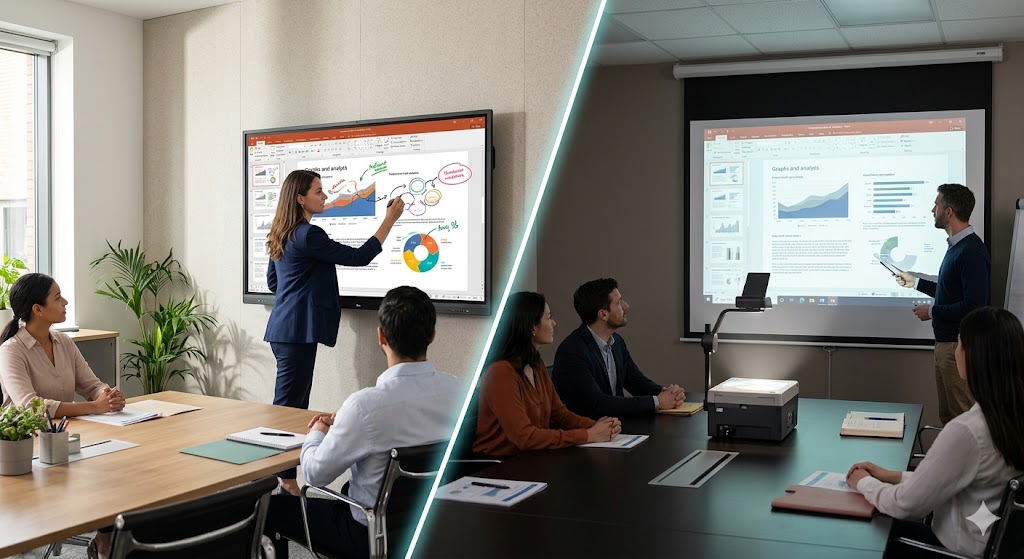
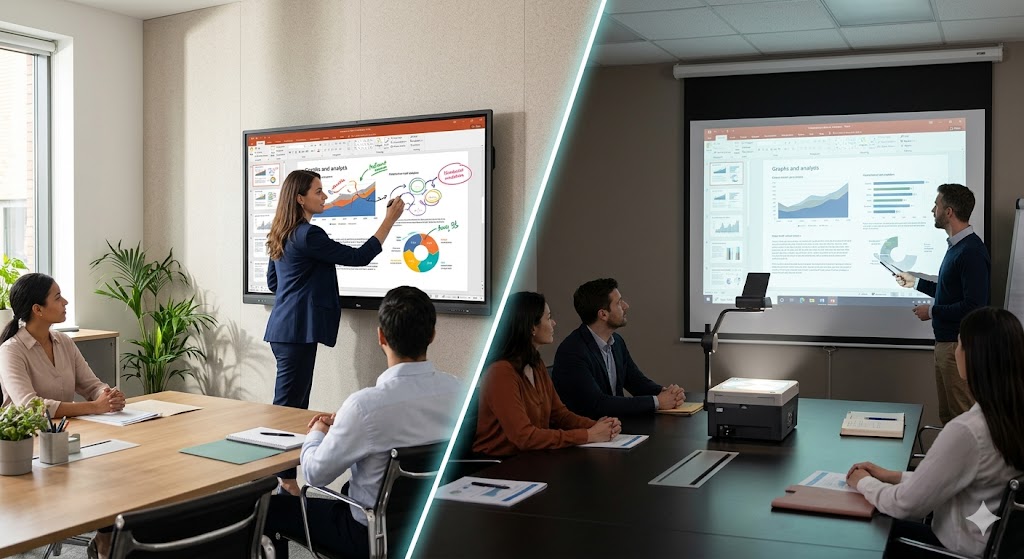
2. Projector and Projection Screen
Projectors remain an effective solution for classrooms where a very large display area is required.
When selecting a projector, consider:
Brightness
Resolution
Throw distance
Contrast
Lamp or laser technology
Connectivity options
Expected operating hours
Maintenance requirements
The projection screen should also be selected according to the projector, room size, viewing distance, and lighting conditions.
3. Classroom Computer or Mini PC
A computer or mini PC acts as the central system for running presentations, videos, educational software, websites, and other digital resources.
A suitable classroom computer should have enough processing power, memory, storage, and connectivity for the institution’s requirements.
4. Audio System
Clear audio is essential, particularly in medium and large classrooms.
A classroom audio system may include:
Speakers
Amplifier
Wireless microphone
Wired microphone
Ceiling speakers
Audio mixer
The speaker arrangement should provide consistent sound throughout the classroom rather than concentrating audio in one area.
5. Wireless Microphone
Teachers need to move around the classroom while teaching. A wireless microphone provides greater freedom of movement and helps maintain clear communication.
Depending on the application, institutions can consider:
6. Document Camera
A document camera can display books, printed documents, laboratory materials, objects, and physical demonstrations on the classroom’s main screen.
It can be especially useful for science, mathematics, medical education, technical training, and practical demonstrations.
7. Video Conferencing System
For hybrid classrooms and online training, video conferencing equipment becomes an important part of the setup.
A typical system may include:
Camera placement should provide a clear view of the instructor and classroom.
8. Network and Internet Connectivity
A smart classroom depends heavily on reliable connectivity.
Institutions should plan for:
Network capacity should be planned according to the number of students and connected devices.
9. Classroom Control System
A centralized control system can make classroom technology easier to operate.
Instead of controlling each device separately, teachers may be able to manage:
A simple control interface can reduce setup time and technical confusion.
How to Plan a Smart Classroom Setup
Before purchasing equipment, institutions should evaluate the classroom and define their requirements.
Step 1: Understand the Classroom Size
Measure the classroom’s:
Length
Width
Ceiling height
Seating capacity
Viewing distance
These measurements help determine the appropriate display size, projector specifications, speaker placement, and camera position.
Step 2: Identify Teaching Requirements
Different institutions have different requirements.
For example, a school may prioritize interactive learning, while a training institute may need video conferencing and lecture recording.
Consider the subjects and teaching methods that will be used in the classroom.
Step 3: Select the Display Technology
Decide whether the classroom requires:
The choice should depend on room size, lighting, budget, and teaching requirements.
Step 4: Plan Audio Coverage
Avoid selecting speakers based only on power output. Proper speaker placement is equally important.
The goal should be clear and consistent audio for every student.
Step 5: Plan Connectivity
Create a connectivity plan before installation.
Determine the location of:
HDMI ports
USB connections
Network points
Power sockets
Wi-Fi access points
Computer connections
Good cable management can make the classroom safer and easier to maintain.
Step 6: Consider Lighting
Lighting has a major impact on display visibility.
Excessive sunlight or strong lights directly facing a projection screen can reduce image quality. Window positioning, curtains, blinds, and classroom lighting should therefore be considered during planning.
Step 7: Install and Configure the Equipment
Professional installation helps ensure that all components work together correctly.
The installation process may include:
Mounting the display or projector
Installing the screen
Positioning speakers
Installing microphones
Connecting the computer
Configuring network connections
Setting up cameras
Connecting control systems
Testing all equipment
Smart Classroom Setup for Schools
Schools generally require simple, reliable, and easy-to-use technology.
A typical school smart classroom may include:
The system should be intuitive enough for teachers to operate without requiring extensive technical knowledge.
Smart Classroom Setup for Colleges
Colleges often require more advanced technology because classrooms may be used for lectures, presentations, practical demonstrations, and hybrid learning.
A college smart classroom may include:
Large interactive display
High-resolution projector
Professional audio system
Wireless microphones
Lecture recording camera
Video conferencing system
Document camera
High-speed network
Centralized control system
Smart Classroom Setup for Training Institutes
Training centres may require flexible systems that support both classroom and online learning.
A professional training classroom can include:
This setup can allow instructors to teach students in the classroom while simultaneously delivering training to remote participants.
Common Mistakes to Avoid
A smart classroom should be planned as an integrated solution rather than a collection of individual devices.
Avoid these common mistakes:
Choosing Equipment Only on Price
The cheapest equipment may not always provide the best long-term value. Consider reliability, warranty, compatibility, maintenance, and total ownership cost.
Ignoring Room Lighting
Poor lighting can significantly reduce projector visibility and display readability.
Installing Too Many Devices
Adding unnecessary technology can make the classroom complicated and difficult to operate. Select equipment based on actual teaching requirements.
Poor Cable Management
Loose cables can create safety risks and make troubleshooting difficult.
Neglecting Audio
A high-quality display cannot compensate for poor sound. Audio should receive equal attention during classroom planning.
Not Training Teachers
Teachers should receive proper training on the installed technology so they can confidently use the system during lessons.
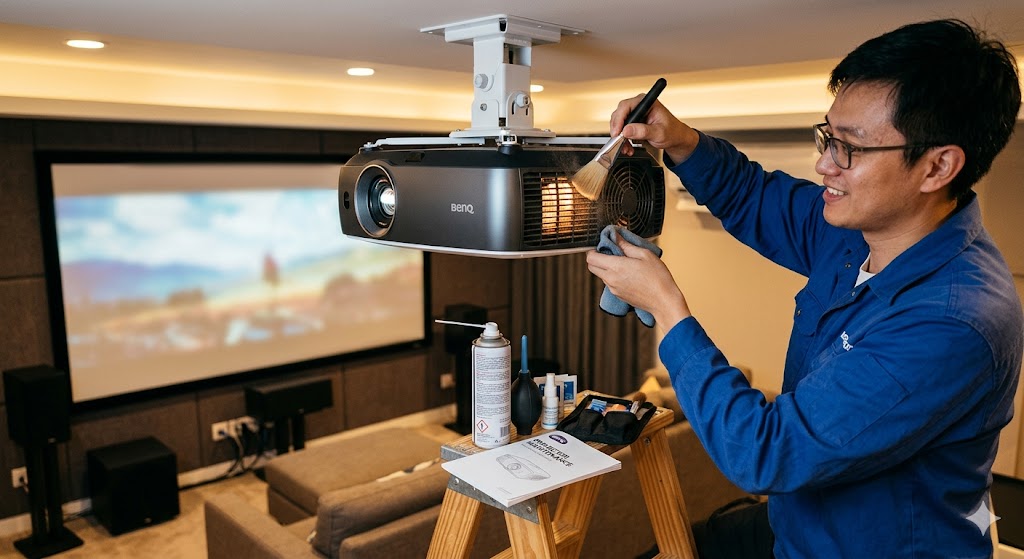
Maintenance of a Smart Classroom
Regular maintenance helps keep the system reliable.
Institutions should periodically check:
A preventive maintenance schedule can help identify problems before they interrupt classes.
How Much Does a Smart Classroom Cost?
The cost depends on the size and complexity of the installation.
A basic classroom may require only an interactive display, computer, audio system, and connectivity. A more advanced classroom with video conferencing, recording, automation, and professional AV equipment will require a larger investment.
The best approach is to prepare a requirement-based equipment list before deciding on a budget.
Benefits of Professional Smart Classroom Installation
Working with an experienced AV and smart classroom solution provider can simplify the entire process.
Professional installation can help with:
Classroom assessment
Equipment selection
System design
Installation
Configuration
Cable management
Testing
Teacher training
Technical support
Maintenance
This ensures that the different technologies work together as a complete classroom solution.
Final Thoughts
A smart classroom is more than a digital screen installed at the front of a room. It is an integrated learning environment where display technology, audio, connectivity, computers, cameras, software, and classroom control systems work together.
Whether you are upgrading a school classroom, college lecture hall, or training institute, the right planning can help create a reliable and engaging learning environment.
Start by understanding your classroom requirements, selecting suitable technology, planning the installation carefully, and providing teachers with the training and support they need. With the right smart classroom setup, educational institutions can create a modern learning environment that supports both traditional and digital teaching methods.