| 1 |
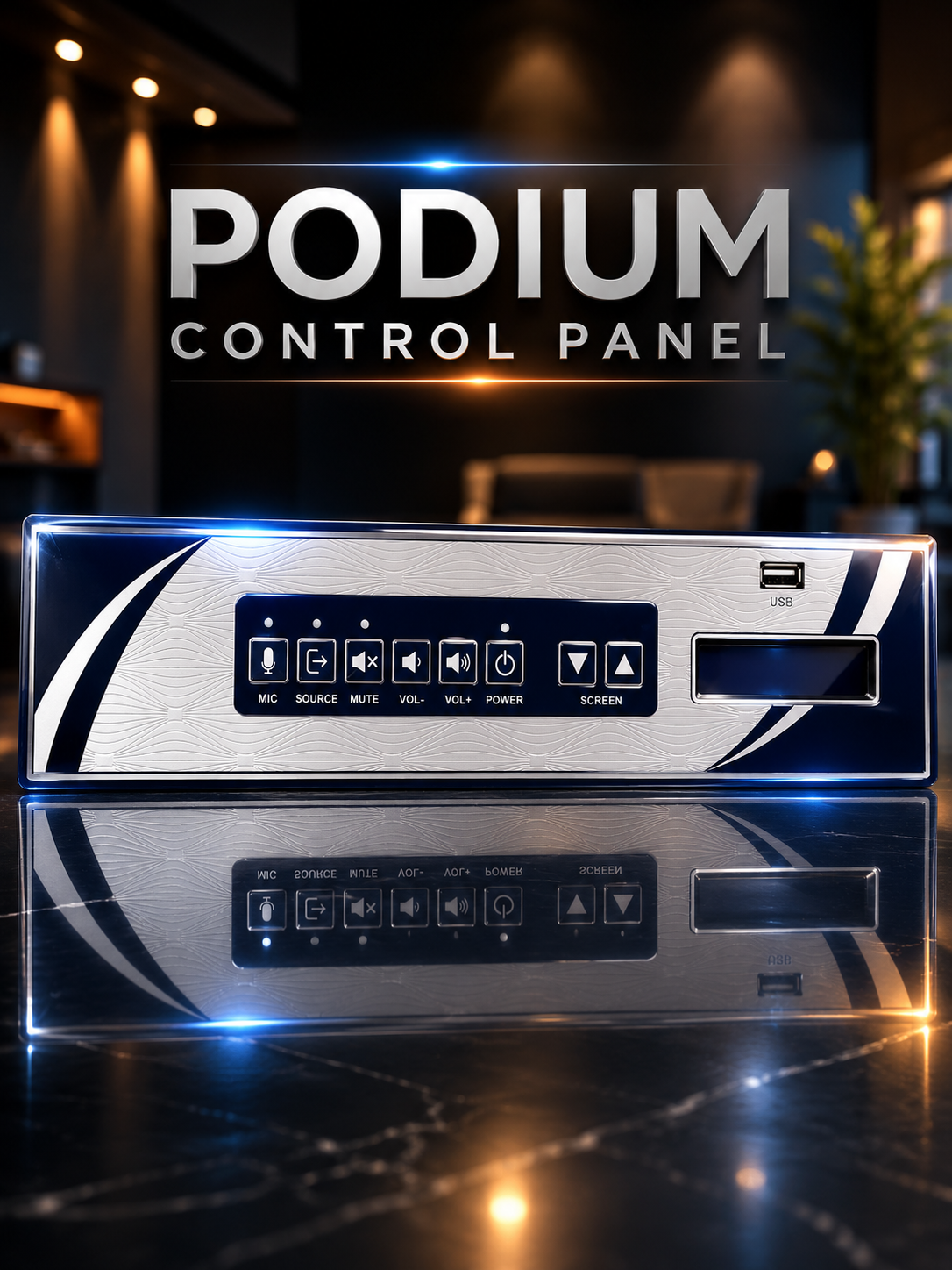
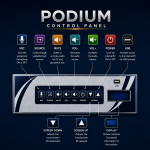
MIC |
Key for gooseneck mic ON/OFF |
| 2 |
SOURCE |
Manual selection for input source: HDMI / VGA / Other |
| 3 |
MUTE |
Audio mute for PC and gooseneck mic |
| 4 |
VOL (-) |
Reduces audio level of PC and gooseneck mic |
| 5 |
VOL (+) |
Increases audio level of PC and gooseneck mic |
| 6 |
POWER |
Power button ON/OFF for internal PC |
| 7 |
SCREEN DOWN |
Adjusts downward tilt position of touch screen |
| 8 |
SCREEN UP |
Adjusts upward tilt position of touch screen |
| 9 |
DISPLAY |
Shows real-time functional information of the podium |
| 10 |
USB |
Accesses PC through USB terminal |
| 11 |
POWER LED |
Red color indicates PC OFF; green color indicates PC and podium ON |
| 12 |
MUTE LED |
Blinks when the mute function is ON |
| 13 |
SOURCE LED |
Indicates input source status |
| 14 |
MIC LED |
Illuminates blue when the microphone is ON |